Files open the moment you click
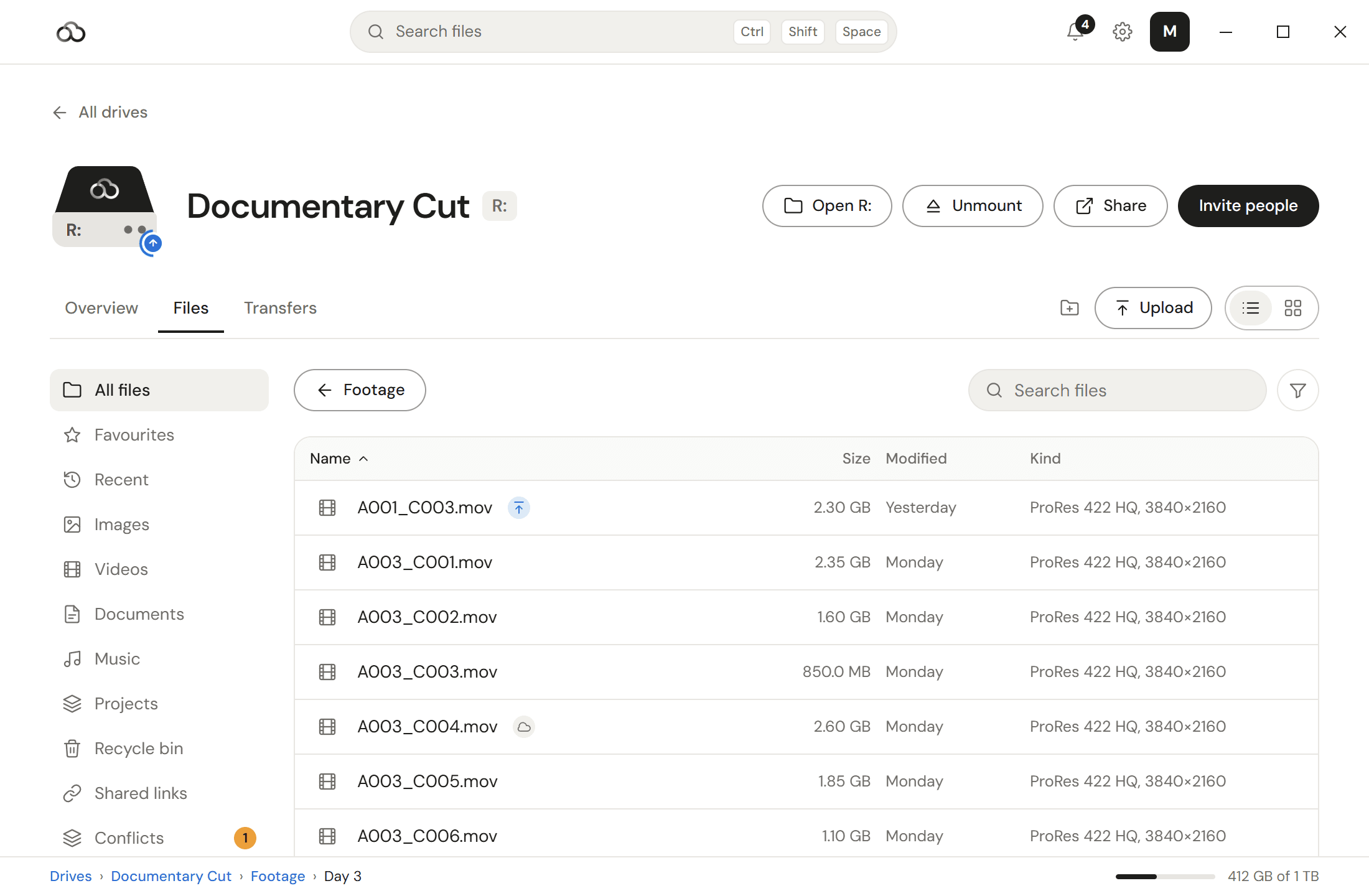
ReachFS fetches only the byte ranges an application asks for. A file never has to arrive before it can be used.
Now for Windows 10 and 11
ReachFS mounts in Explorer as an ordinary drive and streams only the byte ranges your application asks for. Terabytes on your PC, zero bytes on disk.
Free for 7 days. No card required.
Why streaming
Scrubbing a timeline reads a few megabytes out of a file that is hundreds of gigabytes long. ReachFS fetches those megabytes and nothing else.
Before
After
What you get
Everything your team has, at its real size, on every computer you sign in on. None of it on your disk.
ReachFS fetches only the byte ranges an application asks for. A file never has to arrive before it can be used.
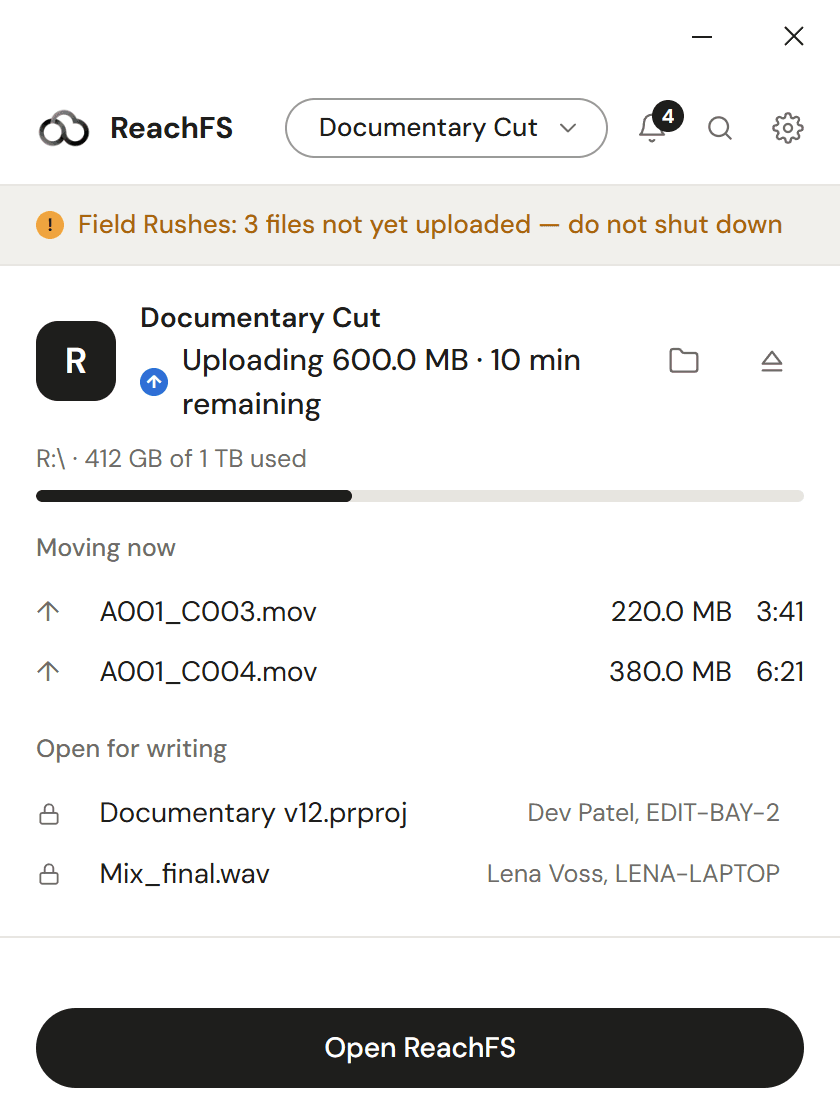
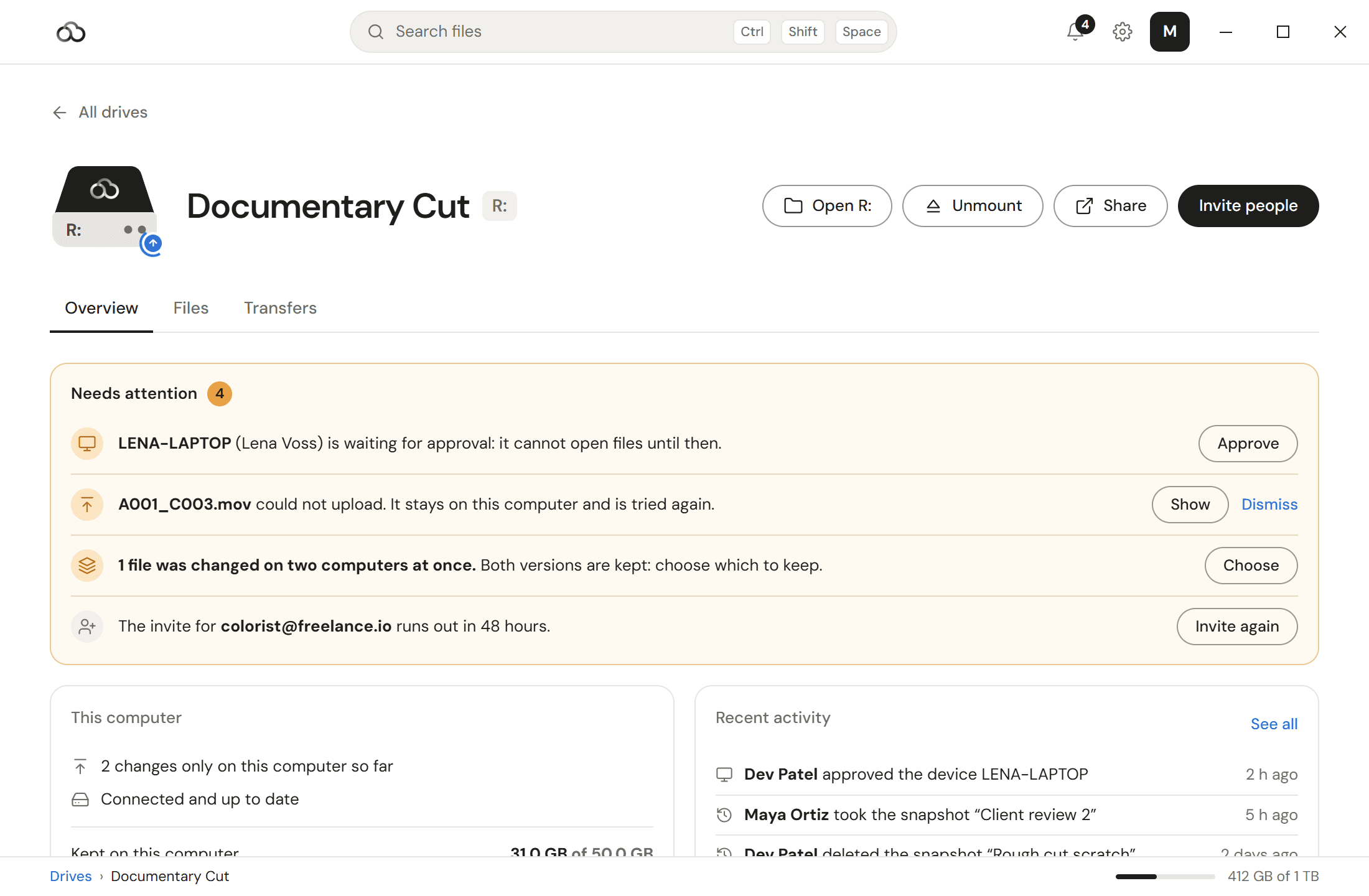
Saving writes through to the cloud. Every computer on the drive sees the change within seconds, with no sync button.
Resolve, Premiere, Photoshop, After Effects, Blender and Nuke all see an ordinary mounted volume. No plugin, no import step.
Files and names are encrypted on your computer, so ReachFS cannot read them. 30 days of versions and an audit log on every drive.
Built for
Cut from camera originals in Resolve or Premiere without a proxy pass or a download.
Grade and comp against full-resolution plates that live in the cloud, not on a RAID under the desk.
Open a 40 GB Photoshop file or a Blender scene from a laptop, on a train, at its real size.
How it works
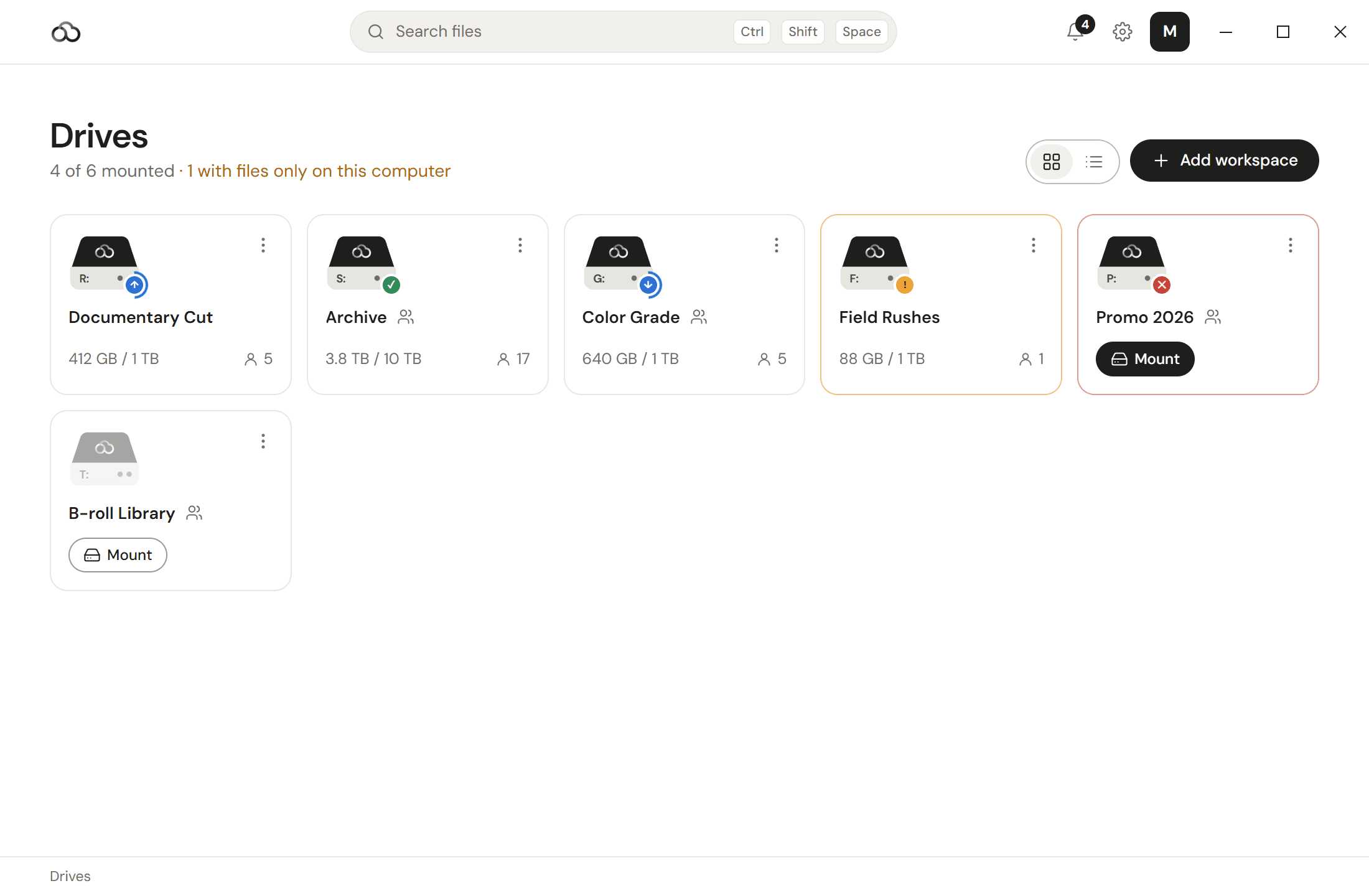
A ReachFS drive appears in Explorer, usually as R:, holding everything your team has.
Cut, grade and scrub off the drive. Only the ranges you touch come down.
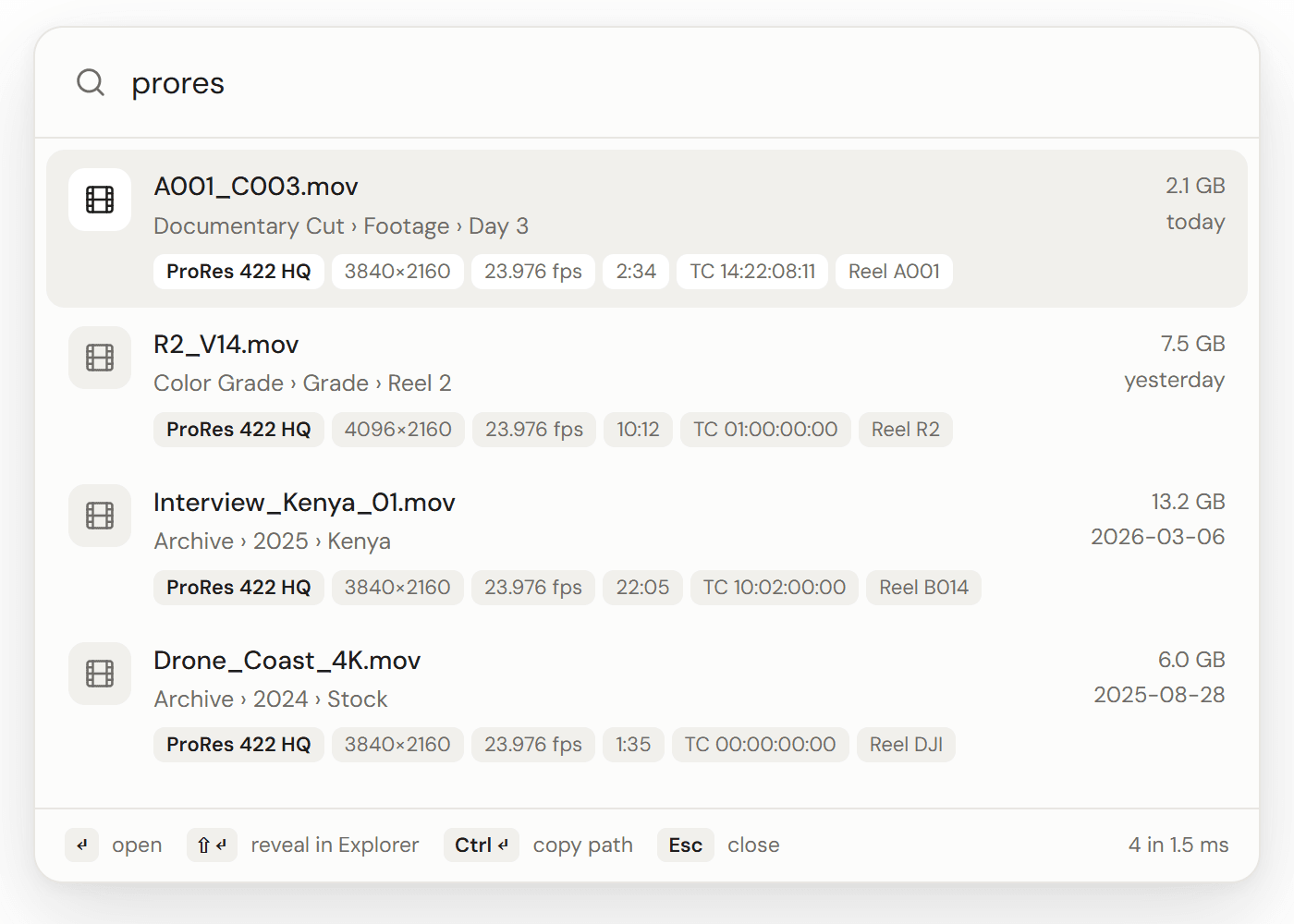
Press Ctrl+Shift+Space and search every drive you can reach.
A teammate saves, and you can open the file while their upload is still running.
Real teams
“We finished a 94-minute feature without a single camera file on a local drive. The editors stopped noticing the cloud was there, which is the highest compliment I can give a filesystem.”
Pricing
Every plan streams the whole library. What changes is how much you keep, how fast it moves, and how many people can reach it.
1 TB for one person, on every computer you own.
$11
$132 billed yearly — save 27%
1 TB pooled per member, with shared drives and access control.
$19
$228 per member billed yearly — save 37%
Dedicated infrastructure, shaped around how your studio works.
Custom
Seats and storage on your terms
FAQ
Anything else, write to us. Someone replies within one working day.
ReachFS is a cloud filesystem that shows up in Explorer as an ordinary drive letter. You open and save files with the apps you already use, and ReachFS keeps them in the cloud and current across every computer you sign in on. You can work across terabytes without filling up your computer or carrying an external drive to the edit bay.
Seven days, the whole drive, no card until you decide.